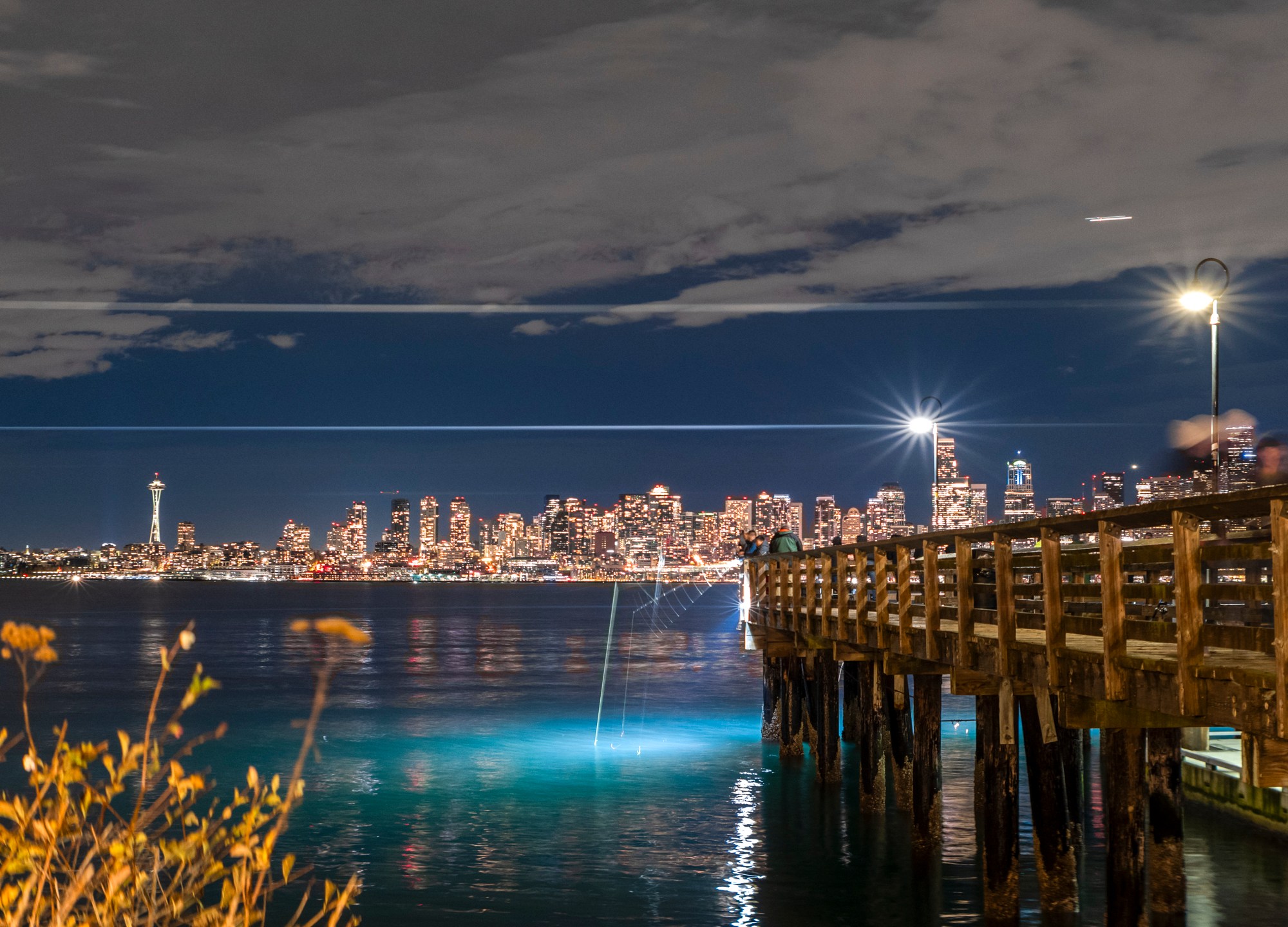
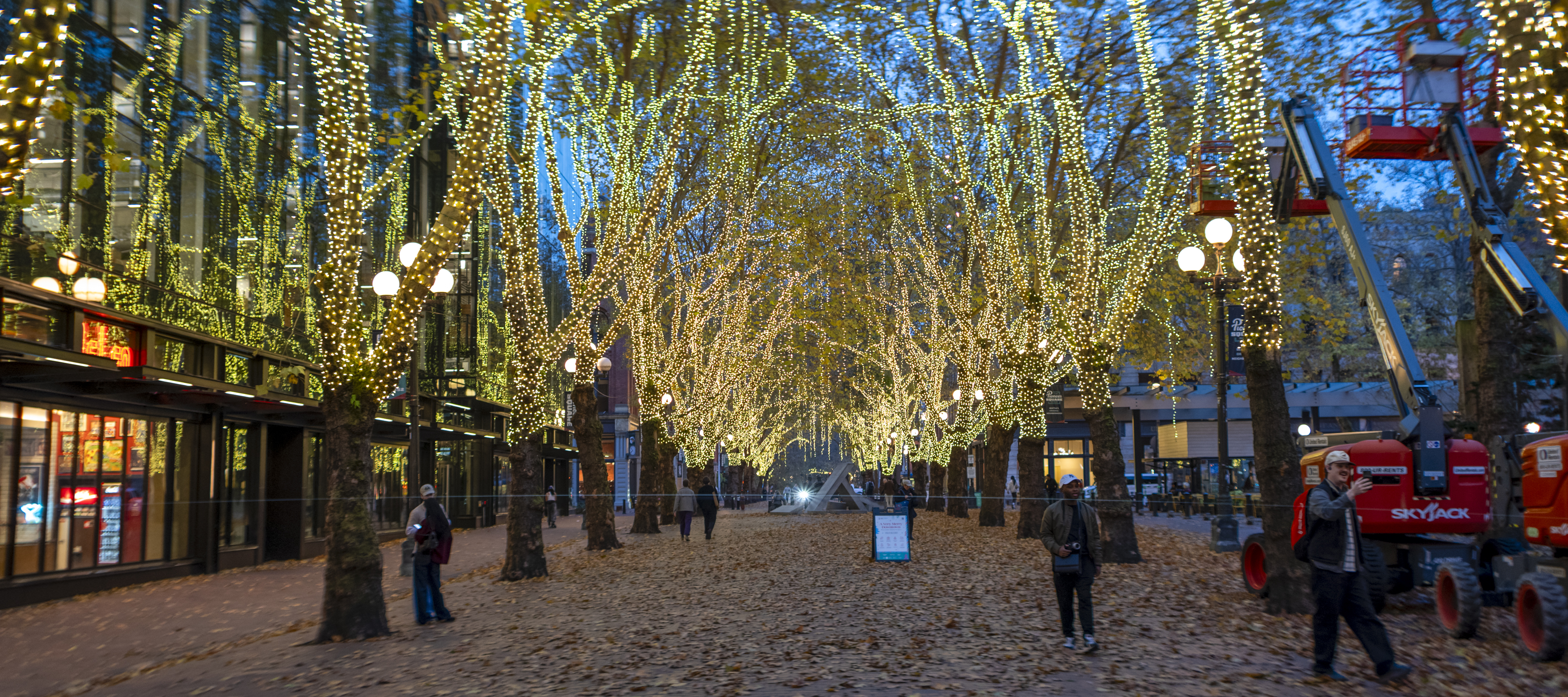
I have a few photos from an evening with the SL2-s and anamorphic lens combo. I wasn’t fully aware of what it would take to get the raw image to a shareable state. That didn’t bother me at all—I don’t mind fiddling around with a new photographic challenge—but I had no idea where I’d end up a few nights ago.

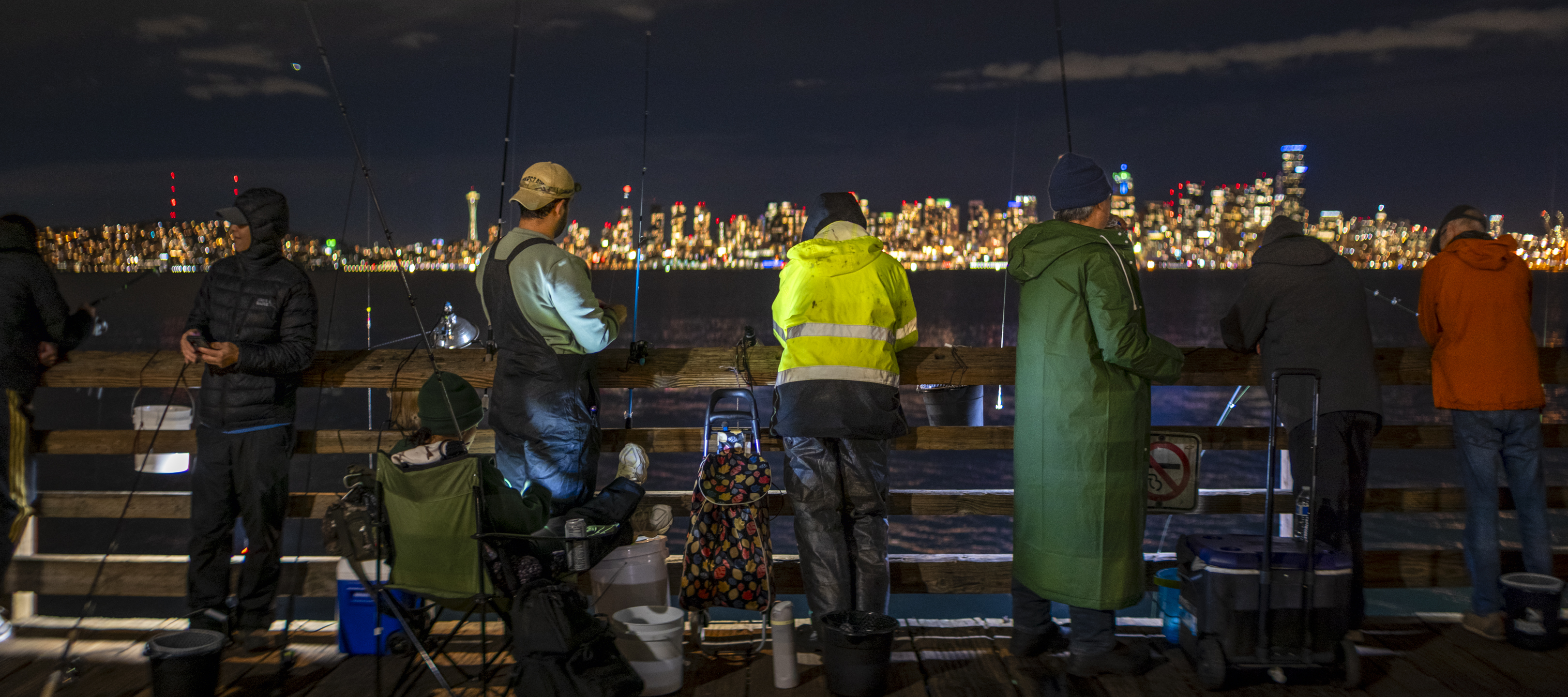
When I was done, I ended up “writing” three new drag-and-drop apps for this process, and please know I use the term “writing” in the weakest sense, because ChatGPT ended up writing the code for the apps.

Here’s a rundown of the three apps I created for this process:
1. Anamorphic Batch De-Squeezer — Automatically processes multiple anamorphic photographs, stretching them horizontally by 1.5× to restore their correct proportions. Preserves image quality, saves the corrected files, and gives a final ratio of 2.25:1.
2. Batch File Renamer — Renames multiple files at once by adding custom text to the end of each original filename, before the extension. Keeps the original filename intact. This wasn’t strictly needed, but I created it to track the files and add a few keywords to the name.
3. Instagram Photo Formatter — Automatically formats panoramic photographs for Instagram, creating both square (1:1) and portrait (4:5) versions. Preserves the entire photograph by adding white space where necessary, without cropping, and saves both versions alongside the original. It turns out this wasn’t as important for 2.25:1 images, as they just about fit Instagram’s formatting. I’ll probably create an XPan app since those images have such an extreme aspect ratio.
All three are drag-and-drop Mac applications designed to simplify repetitive tasks without opening photo-editing software. I also created them because I didn’t already have the software that could do what I wanted.
Whew, there is NO WAY anyone made it to the end of this, right? Thanks if you did. ☺️
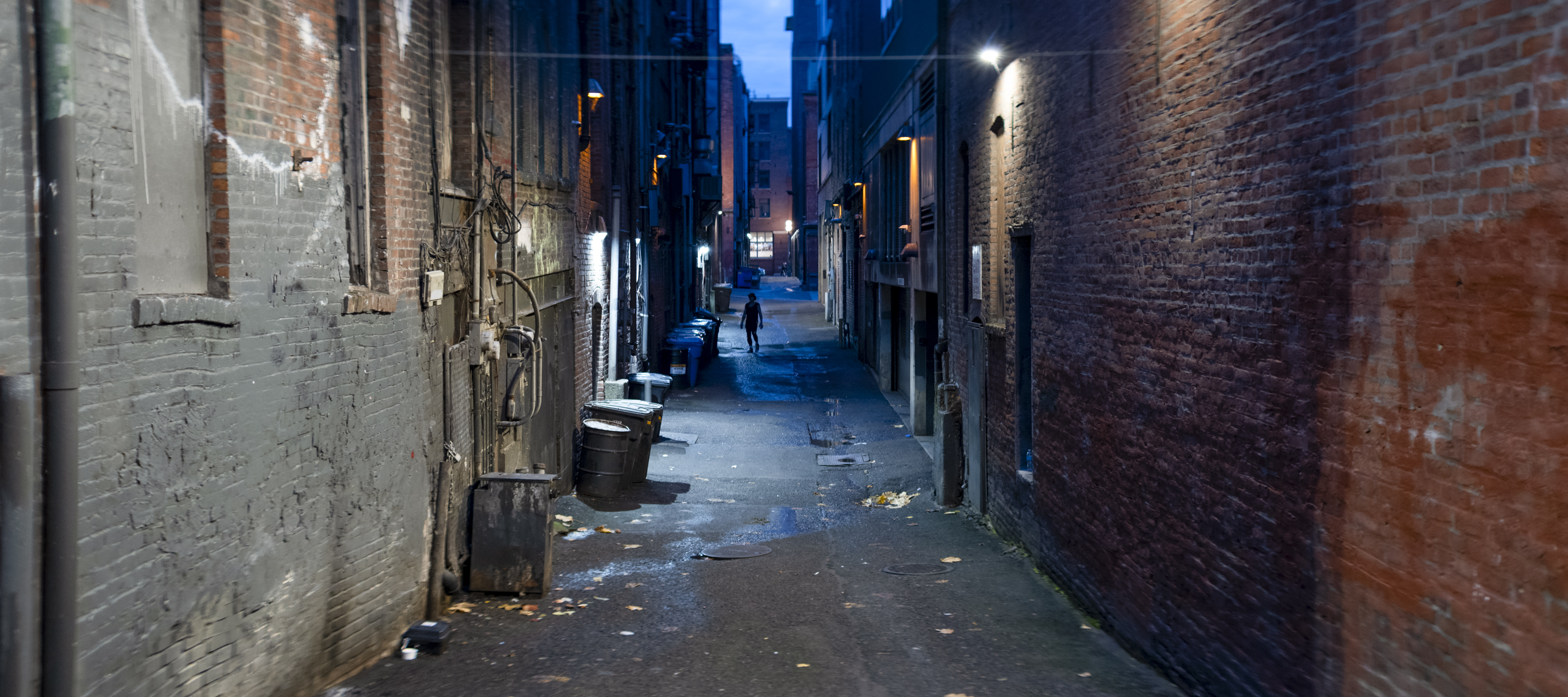




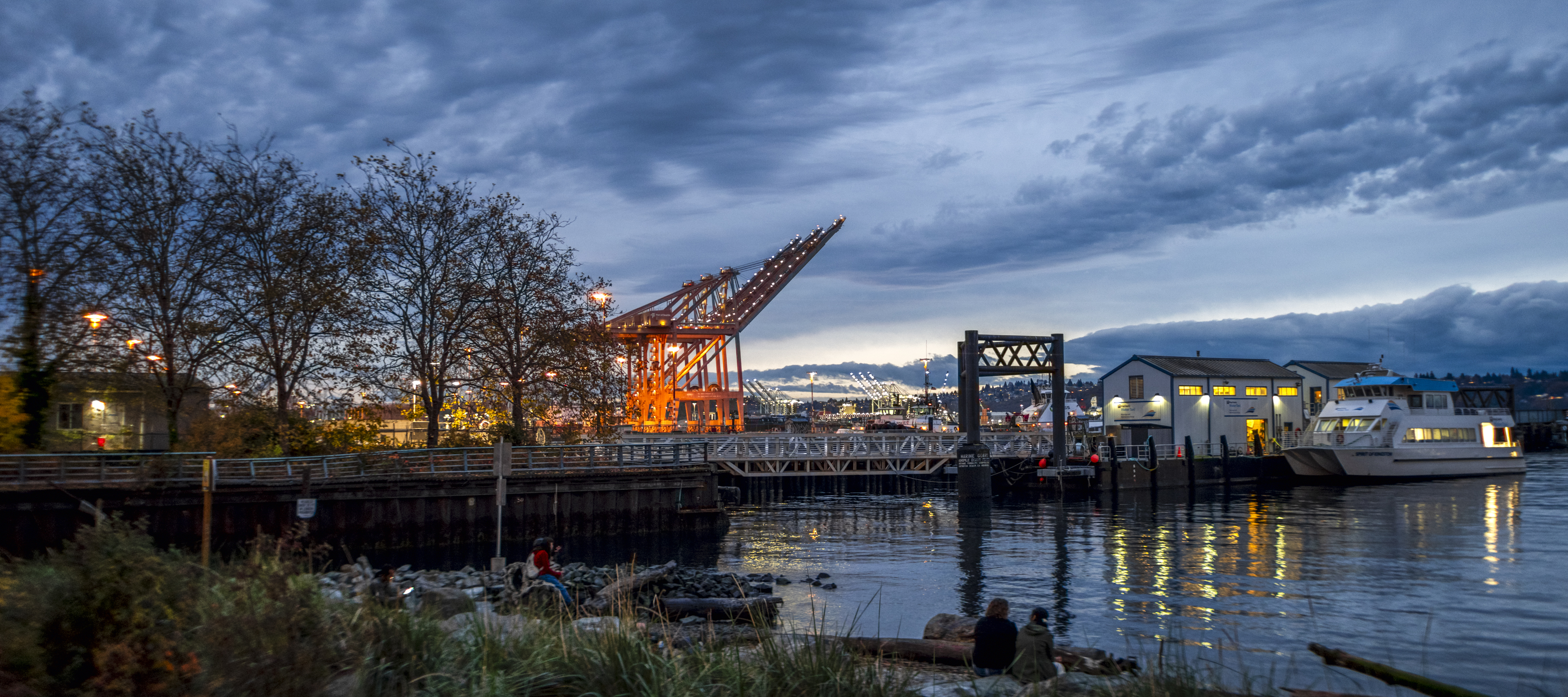



Hi Steve, Nice shots. I often shoot 65:24 on an SL2. Can I ask which anamorphic that you use? Thanks, D
LikeLike
Thanks! This was the Blazar 50mm T2.1.
LikeLike